Bloom / Product design / iOS POC
A change in your plant.
A clearer next step.
Helping plant owners turn an unexpected change into a small care action—and come back to see what changed.
Try the care journey01 / The problem I focused on
Saving a change isn’t the same as helping.
Bloom began with a familiar set of ideas: find a plant, build a collection and keep up with care. But a collection and a record of symptoms only took the experience so far.
When someone notices dropping leaves, a saved observation still leaves a practical question: what should I do next? I made that handoff the centre of the project.
How might Bloom help someone take a useful first step, without asking them to diagnose their own plant?
This is the design hypothesis behind the current POC. It is not a claim that the flow has been validated with plant owners.
02 / Finding the core
Less to manage.
More help in the moment.
The concept grew quickly. I stepped back to focus on the connection between noticing a problem, taking action and checking progress.
Kept in the core
A personal collection, routine care, observations, a chosen care plan and follow-ups.
Moved out of the spotlight
Weather on Home, constant city information, a separate scan entry and a disconnected history destination.
Location remains useful for optional plant discovery preferences. It doesn’t need to occupy the home screen to be useful.
03 / Three decisions that shaped the experience
Make the next action
belong to its context.
A floating plus could mean several things. I moved Add plant into My plants, so its relationship to the collection is visible before anyone taps.
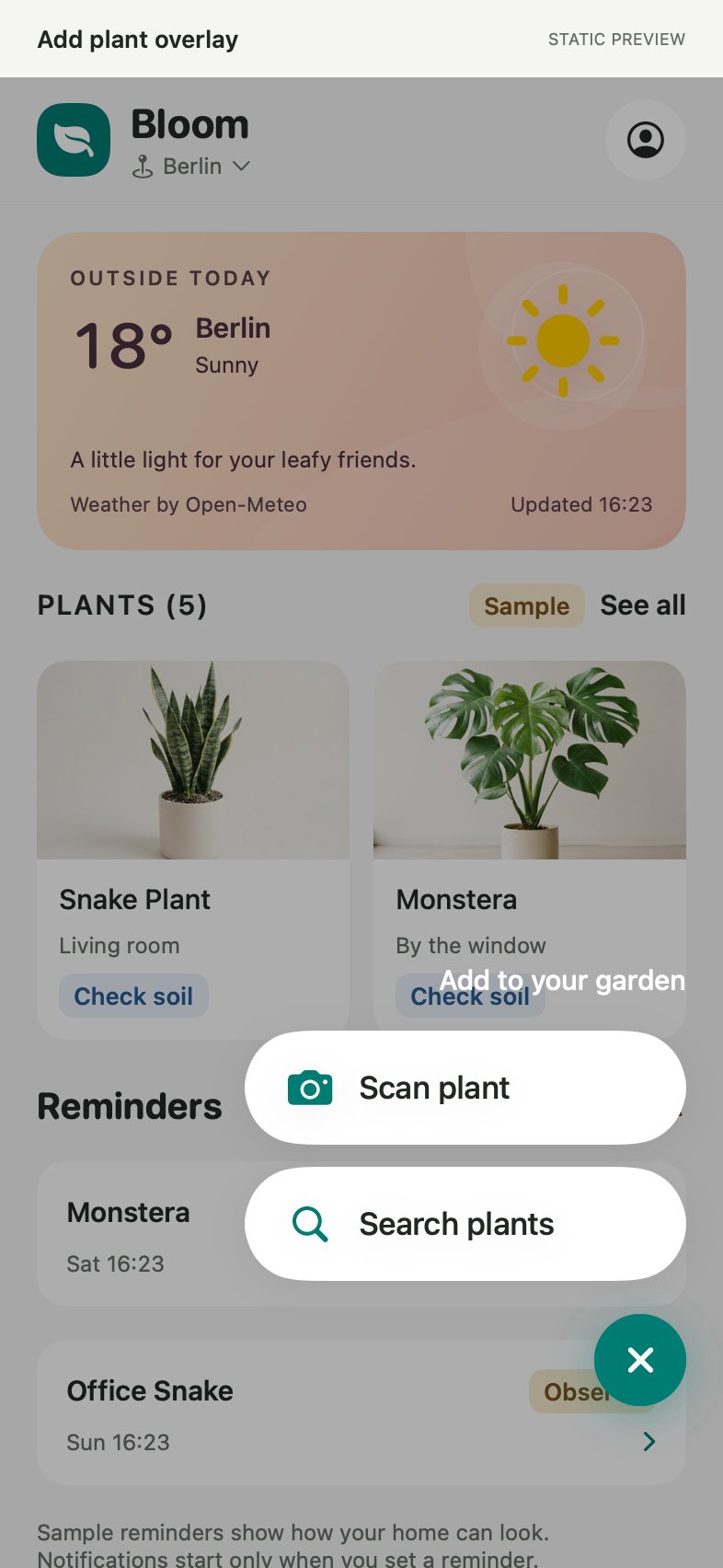
An extra layer to discover an action.
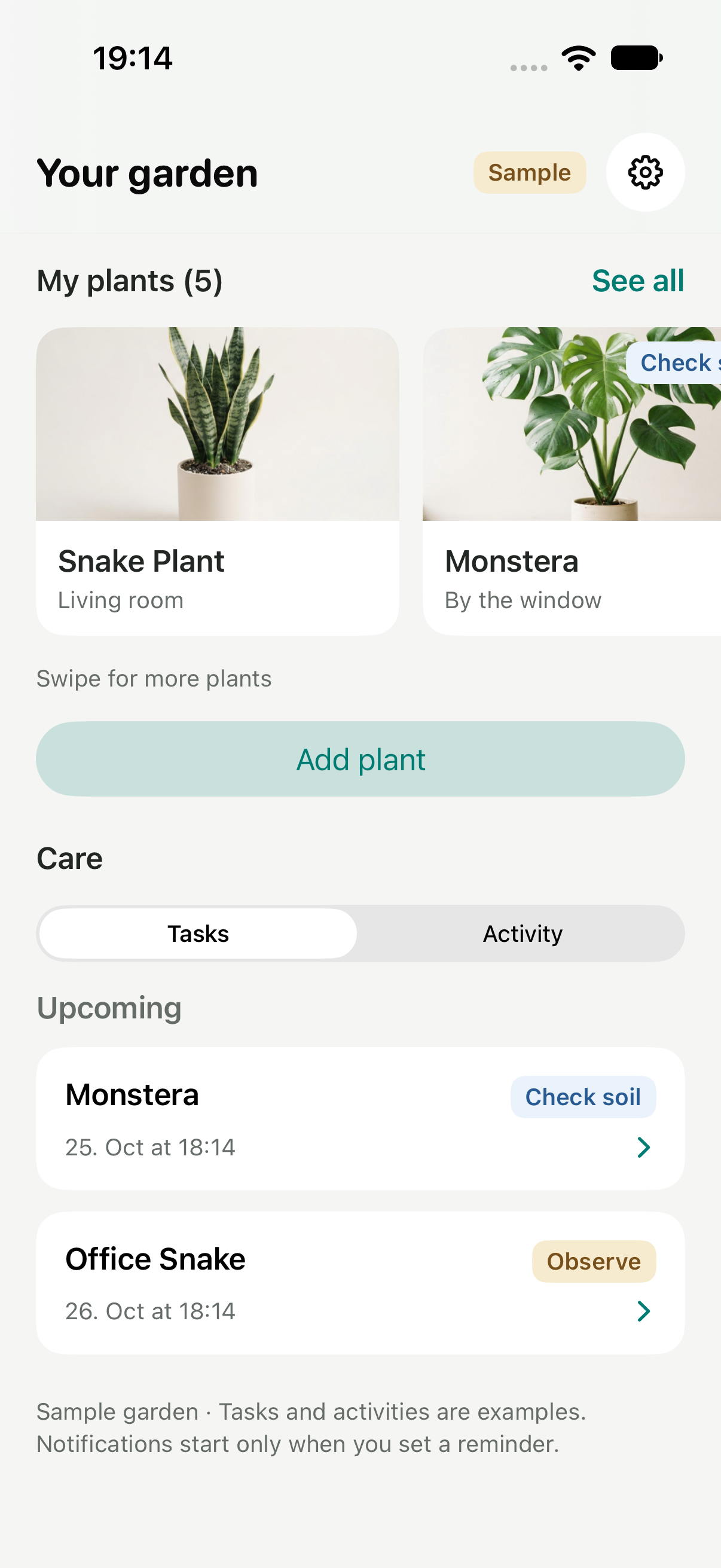
The collection owns its add action.
Ask for what they can see,
not everything they know.
Long assessments made a simple observation feel like an exam. I replaced the first dropdowns with visual area cards and plain-language changes. Notes and supporting details stay optional.
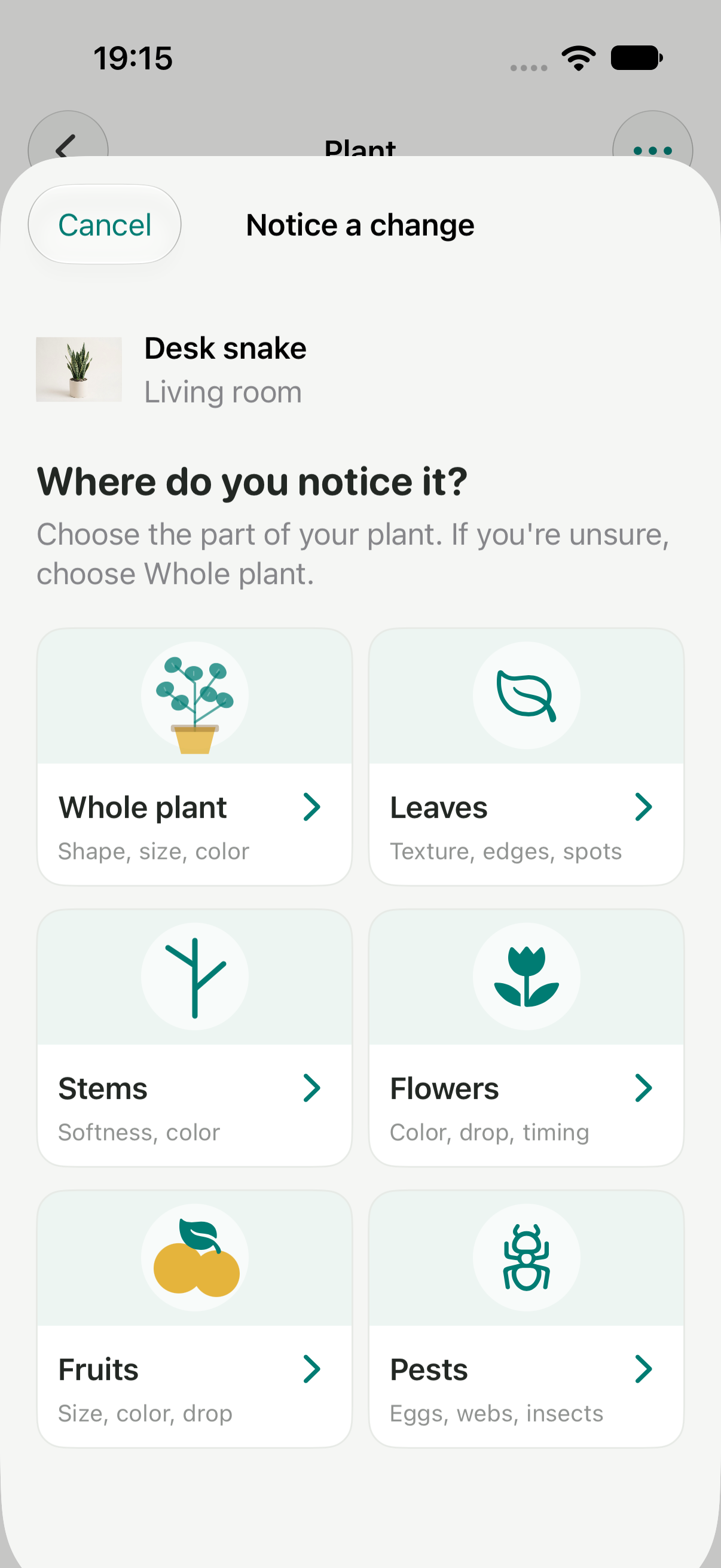
Less input also means less certainty. The answer is to suggest an appropriate inspection first—not turn a short form into an overconfident diagnosis.
Give guidance a path
into action.
Saving an observation now leads directly to What could help. Possible causes provide context. A first step turns that context into something the user can do.
Bloom uses curated guidance. When the evidence is incomplete, the first task is to look more closely before choosing a treatment.
The user chooses whether to add the step to a care plan. Completing it records an action; it doesn’t automatically mean the plant has recovered.
04 / Bringing the loop together
A beginning, a next step
and a way back.
Routine care and unexpected changes share the same plant record. Tasks describe what’s next; activity shows what has already happened.
The interactive demo uses prepared examples. Jumping to a later step loads a sample scenario; it does not predict the plant’s response.
A reminder needs something to follow up on.
The check-in connects back to the starting observation and the action taken. If the result is unclear or worse, the next step is review—not an automatic stronger remedy.
05 / A coherent system
Bloom’s character.
Familiar iOS behaviour.
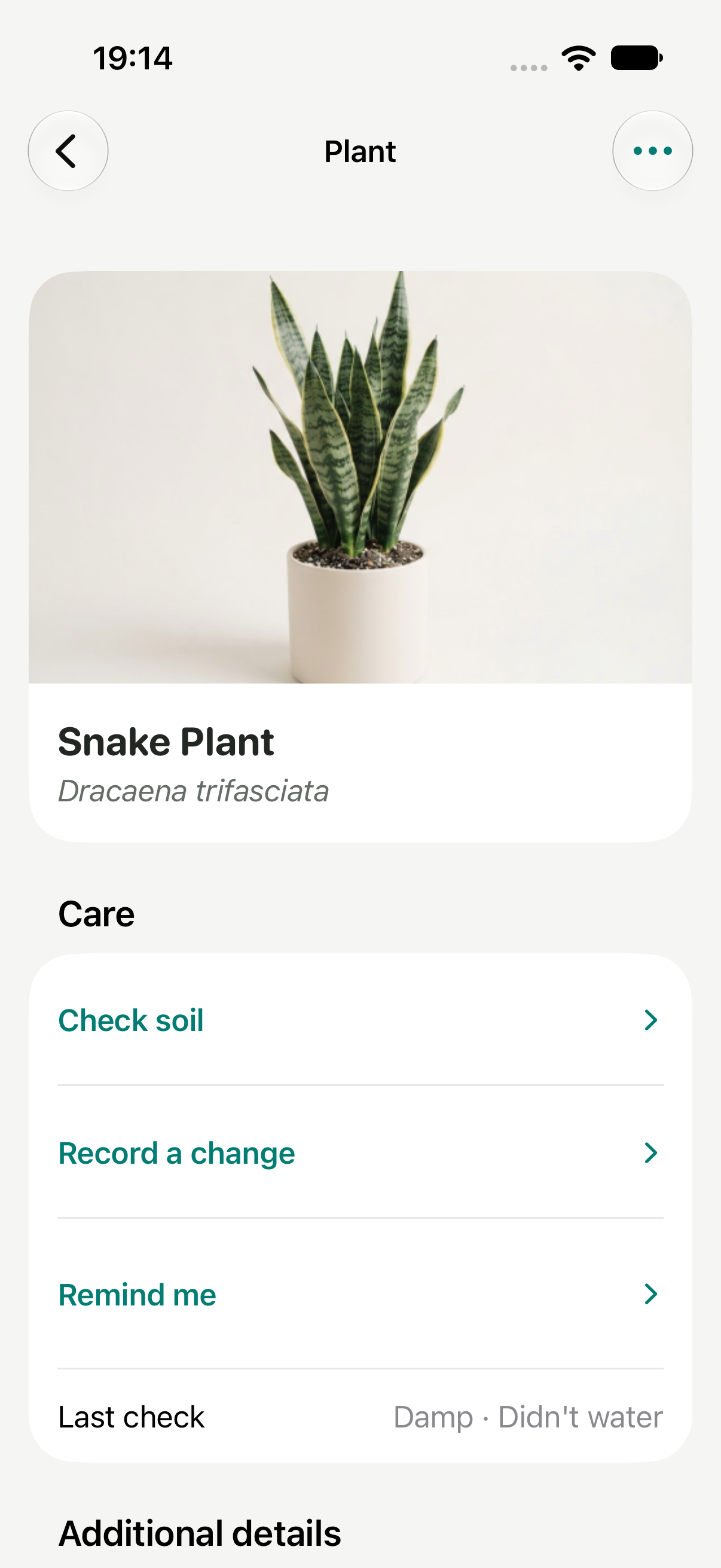
I kept the soft surfaces, plant photography and teal identity, while using native navigation, sheets and system typography in the iOS POC.
Consistency came from making shared rules explicit: grouped common and scientific names, one heading scale, compact card spacing, visible disabled states and text-first action buttons.
06 / Where the project stands
A working loop.
Still a hypothesis to test.
The current proof of concept connects a collection, saved observations, suggested first steps, care tasks and progress records. That is a more complete product proposition than a collection with reminders alone.
What the build demonstrates
The screens and saved states connect end to end. Care actions and progress outcomes are recorded separately. Routine care and concern care live together.
What it doesn’t prove yet
Whether new users understand the guidance, trust its limits, complete the action or return for a useful check-in. No plant-health or retention outcome is claimed here.
What I’d test next
- Can someone reach a useful next step without help?
- Do they understand “possible causes” as uncertainty?
- Can they tell an action is complete while the issue is still open?
- Is the next step clear when the plant looks the same—or worse?
The biggest shift was from designing more ways to record a plant to designing what happens after that record is saved.
About this prototype
Explore the current iOS app’s collection, personalized discovery, plant setup, care records, plans, progress and preferences in this browser adaptation. Photos and changes stay in this browser tab; device location and notifications are clearly marked previews. The native screenshots are from the working Bloom POC.
Try Bloom